
Download Coursera Videos into 1080p MP4 Files Easily
Keep your educational courses safe on your local drive. You can save lectures, tutorials, or course materials in HD 1080p with AAC 2.0 sound. This tool also converts lessons into MP4 or MKV so you can study without an internet connection.
With a batch download feature to grab entire course modules easily, Y2Mate ensures you never lose access even if your subscription ends or the course closes.
A “Downloader”, not a “Recorder”
We "download" rather than "record" the video, which means we can analyze the source of the video being played on the web page and download it.
Discover Y2Mate's Multifaceted Features
Download Coursera Videos in 1080p
Access All Coursera Educational Content
Having a local copy means you can review your lessons anywhere. This helps a lot during flights or when commuting. We don't need to put up with weak Wi-Fi signals or limited campus networks any more.
Universal MP4 and MKV Video Formats
Save New Courses Automatically
Our tool is 100% safe download and verified by 170+ anti-virus vendors. Experience a 95% success rate and 10x faster speed while building your personal course archive.
Windows 11/10 or above / macOS 12.0 or newer
Intel i3 or above / Core 2 Quad or above
4GB RAM
40GB of free hard disk space
Live internet connection
Please note: Use of Y2Mate is for personal use only and does not entitle you to share downloadable material with third parties. Please respect the copyrights of supported streaming providers.
The 30-day free trial of Y2Mate is limited to approximately 3 downloads per product.
In the paid version of Y2Mate, each product is limited to approximately 100 downloads per day to avoid being blocked.
3 Steps to Use Y2Mate!
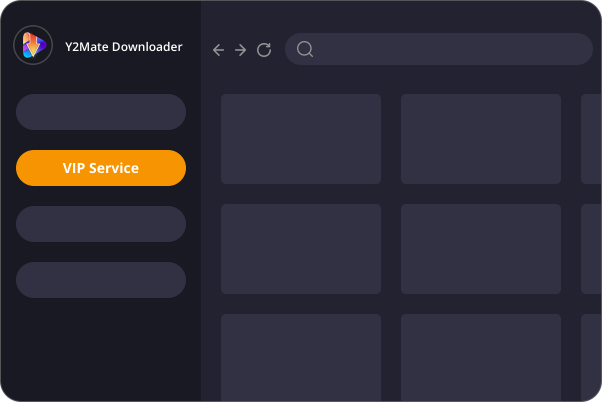
Open Coursera via Y2Mate
Open Y2Mate and select the Coursera icon on our Multi-language UI to browse classes safely.
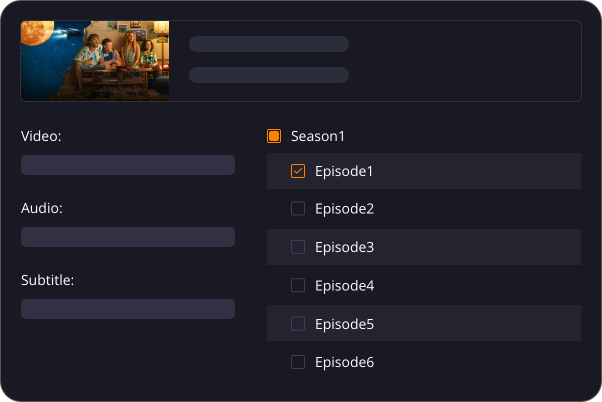
Play a Lecture and Choose Settings
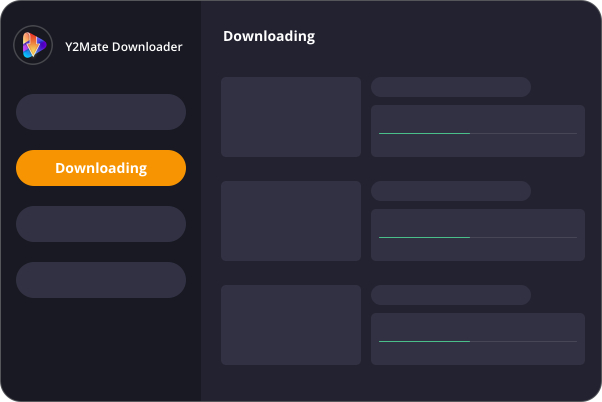
Start Your Course Download
Get Coursera Downloader Now!
Coursera Downloader
(Monthly Plan)
US$ 23.90
Can be used on 1 PC
Cancel Anytime
7-Day Money-Back Guarantee
Coursera Downloader
(Lifetime Plan)
US$ 129.90
US$162.90
Can be used on 1 PC
Lifetime Use
14-Day Money Back Guarantee
Y2Mate One
(Lifetime Plan)
US$ 299.90
US$428.50
All-In-One Product
Can be used on 1 PC
Lifetime Use
14-Day Money Back Guarantee
Answers to Common Queries
- Operating System: Windows 11/10 (32/64 bit), or macOS 12.0 or newer
- Processor: Intel i3 or above
- RAM: 4GB or above
- Free Hard Disk Space: 40GB or above
- Internet Connection: A live Internet connection is required for the downloader to function properly.
- 1. Check if the video is playable in your browser (Chrome or Microsoft Edge).
- 2. Verify if the specified output folder for downloaded files is full. If so, try another folder or free up space. You can access the default output location via Settings > General > Output Directory.
- 3. Wait for later update to add more supported sites.
- 4. If the problem persists, contact us Provide links to the problematic videos and share the latest Y2Mate.log file for troubleshooting, found in Settings > General > Log Directory.